GeoSeeker Tutorial - Part 4: Application Setup

This is part 4 of a series of 7 video tutorials about the geoelectrical water and cavity detector GeoSeeker by OKM. Even after watching this video, we encourage you to read the user's manual as well.
In this part of the video tutorial you will learn about setting up your Android application for a measurement. It explaines all important settings concerning field dimensions and depth adjustments in preparation of your ground resistivity measurement.

Quick Scan Check: Vertical Blue Signals in OKM GeoSeeker Scan Image
A customer searching for groundwater sent in GeoSeeker scan images. The vertically distributed blue signals suggest surface water from irrigation ...

Quick Scan Check: Water Near the Surface
A GeoSeeker user searching for water on a plantation sent in two scans. With only screenshots available, analysis is limited, ...
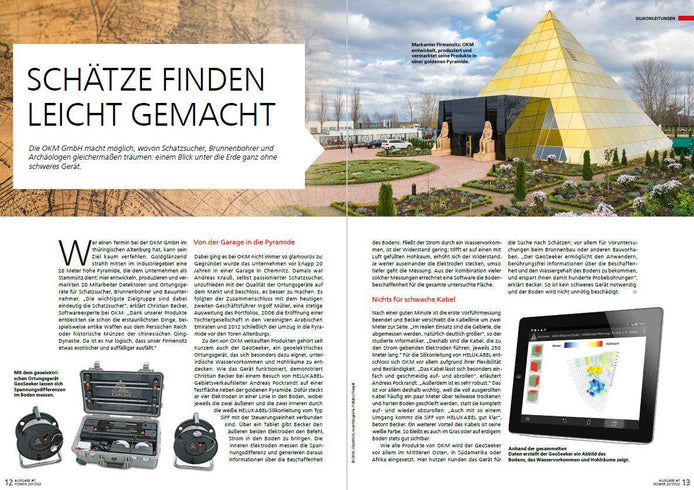
Report about OKM water detector GeoSeeker in POWER magazine
POWER, the HELUKABEL Group customer magazine, reports about OKM in Altenburg, Germany, and focuses on the geophysical water detector GeoSeeker, ...